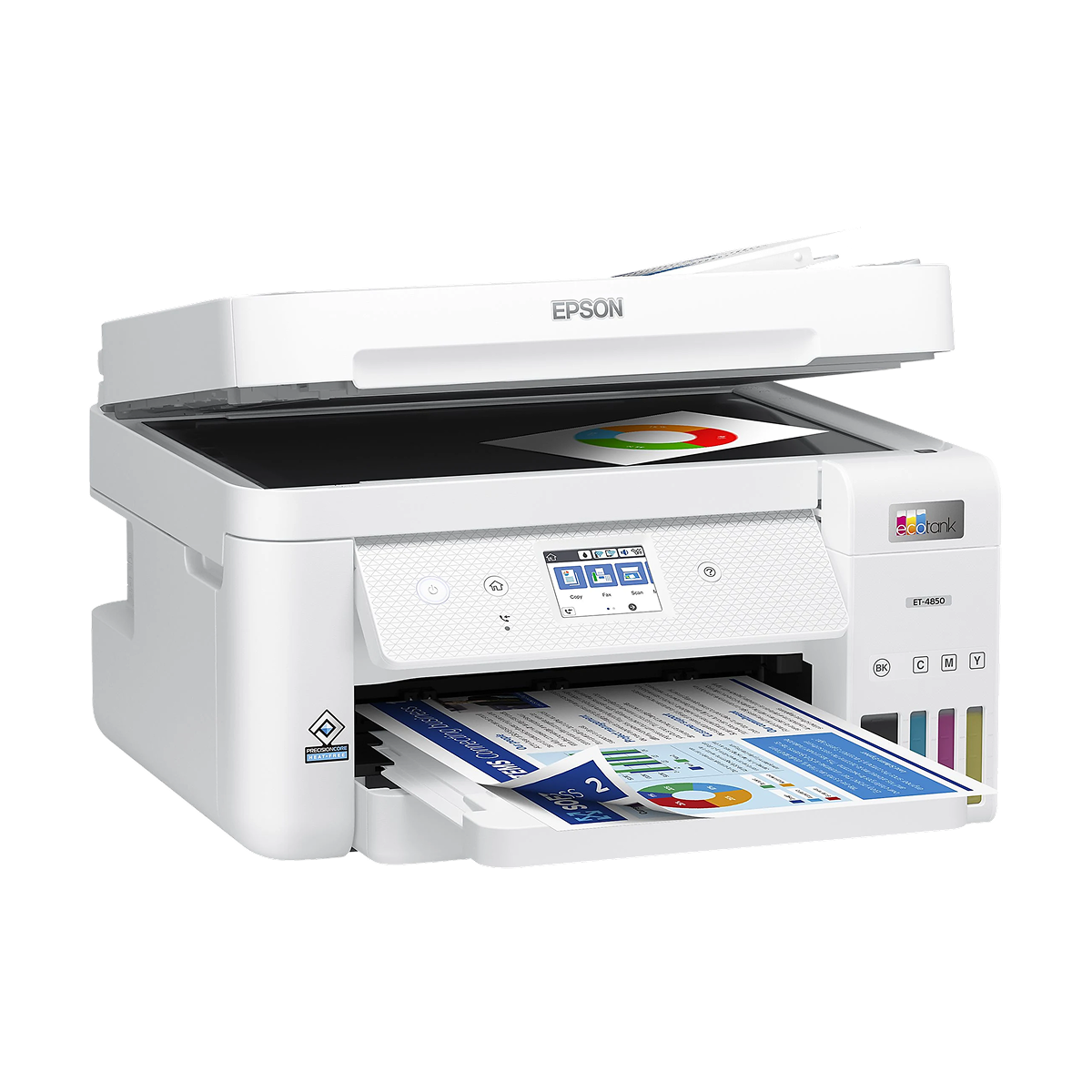
Large Format vs Standard Printers for Business Printing Tasks
Large format printers are essential for architects, designers, and marketing agencies. While standard desktop printers max out at 8.5" x 14", large format hardware can handle roll media for banners, blueprints, and posters. \n\nWhen choosing for your business, consider the specific footprint of the machine and the ongoing ink costs. Standard printers excel at typical text documents and spreadsheets, but if your company requires vibrant, oversized visuals, the investment in a large format system will pay for itself rapidly by eliminating third-party printing costs.
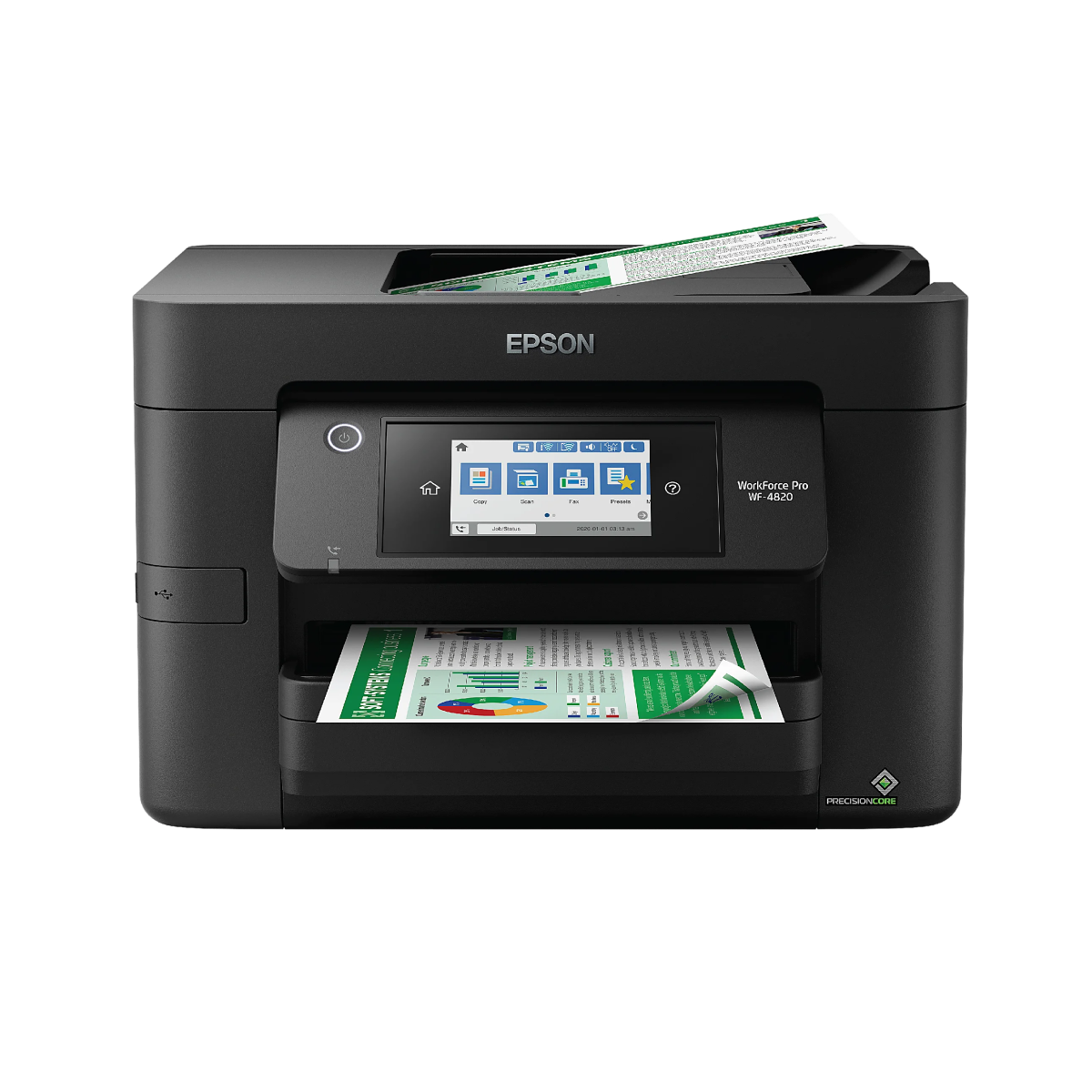
LED and Laser Printers: Key Differences Before You Buy
Many buyers are unaware of the technical distinction between LED and laser printers. While both use toner rather than liquid ink, laser printers utilize a moving laser beam to draw the document onto the imaging drum. \n\nLED printers, conversely, use a stationary array of light-emitting diodes to flash the entire image across the drum at once. Because LED printers have fewer moving parts, they are often more compact and theoretically less prone to mechanical wear over time. However, high-end laser printers still dominate the market in terms of ultra-high resolution text.
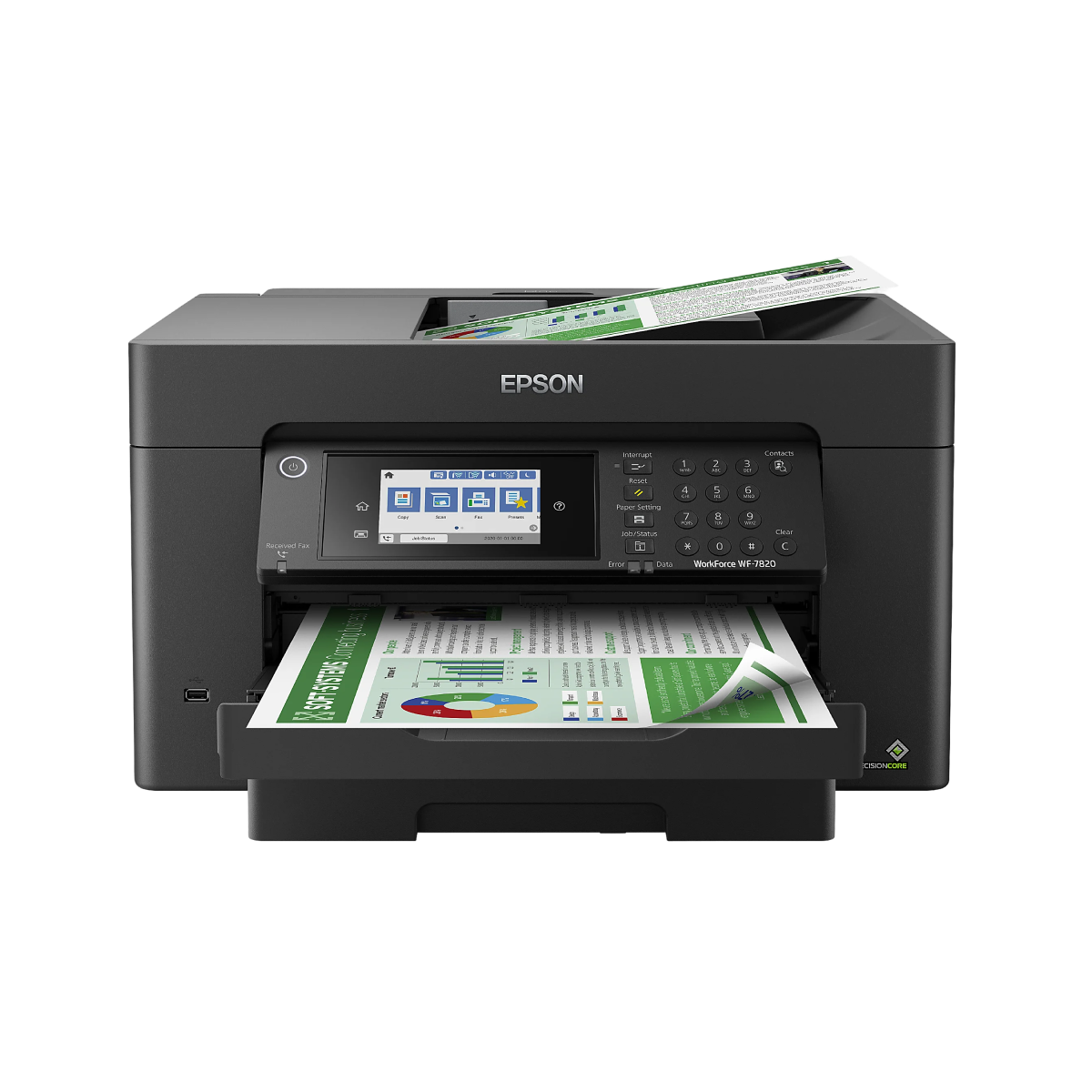
Inkjet vs Laser Printers: Which Option Fits Your Usage Best
The eternal debate between inkjet and laser printing boils down to your specific use case. Inkjet printers are unmatched when it comes to printing high-resolution color photographs and handling various media types like glossy photo paper and textured cardstock. \n\nLaser printers, however, are the kings of the office. They print text documents with razor-sharp precision, operate at significantly higher speeds, and boast a lower cost-per-page for black and white documents. If you print occasionally, remember that liquid ink can dry out, whereas toner powder in laser printers does not.
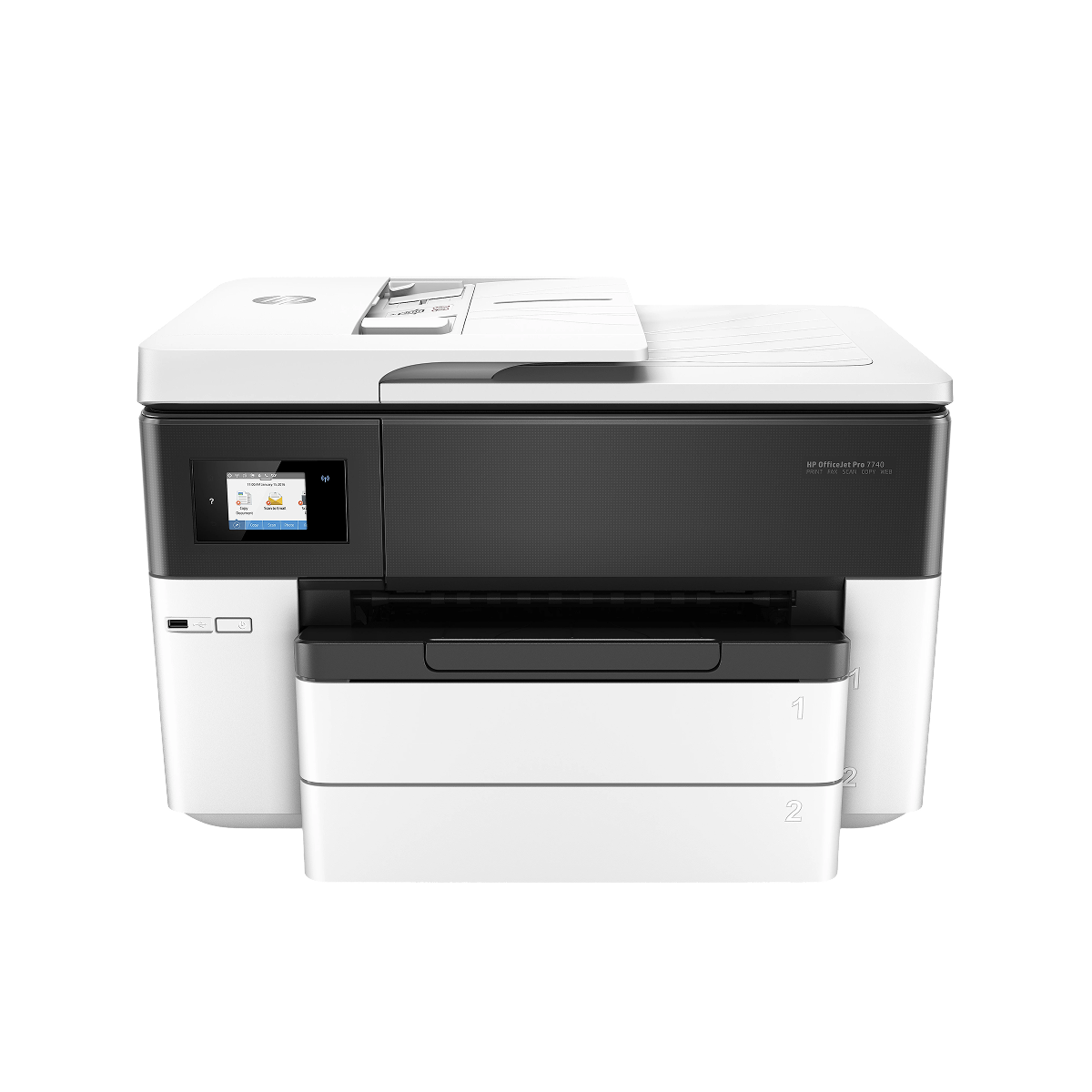
What to Check Before Buying an All-In-One Printer Online
Purchasing an All-In-One (AIO) printer online requires careful attention to the specifications. Ensure the scanner bed is large enough for your typical documents, and verify if the Automatic Document Feeder (ADF) supports double-sided scanning (duplexing). \n\nAlways check the connectivity options—modern environments demand robust Wi-Fi, AirPrint, and cloud-printing support alongside traditional USB. Lastly, research the yield of the replacement ink cartridges or toner; a cheap printer often hides its true expense in exorbitant consumable prices.